
Use it for 30.
Rest for 30.
Pick the apps that eat your time. After 30 minutes of use, they lock for a 30-minute break. Then a fresh 30 starts.
Coming soon to the App Store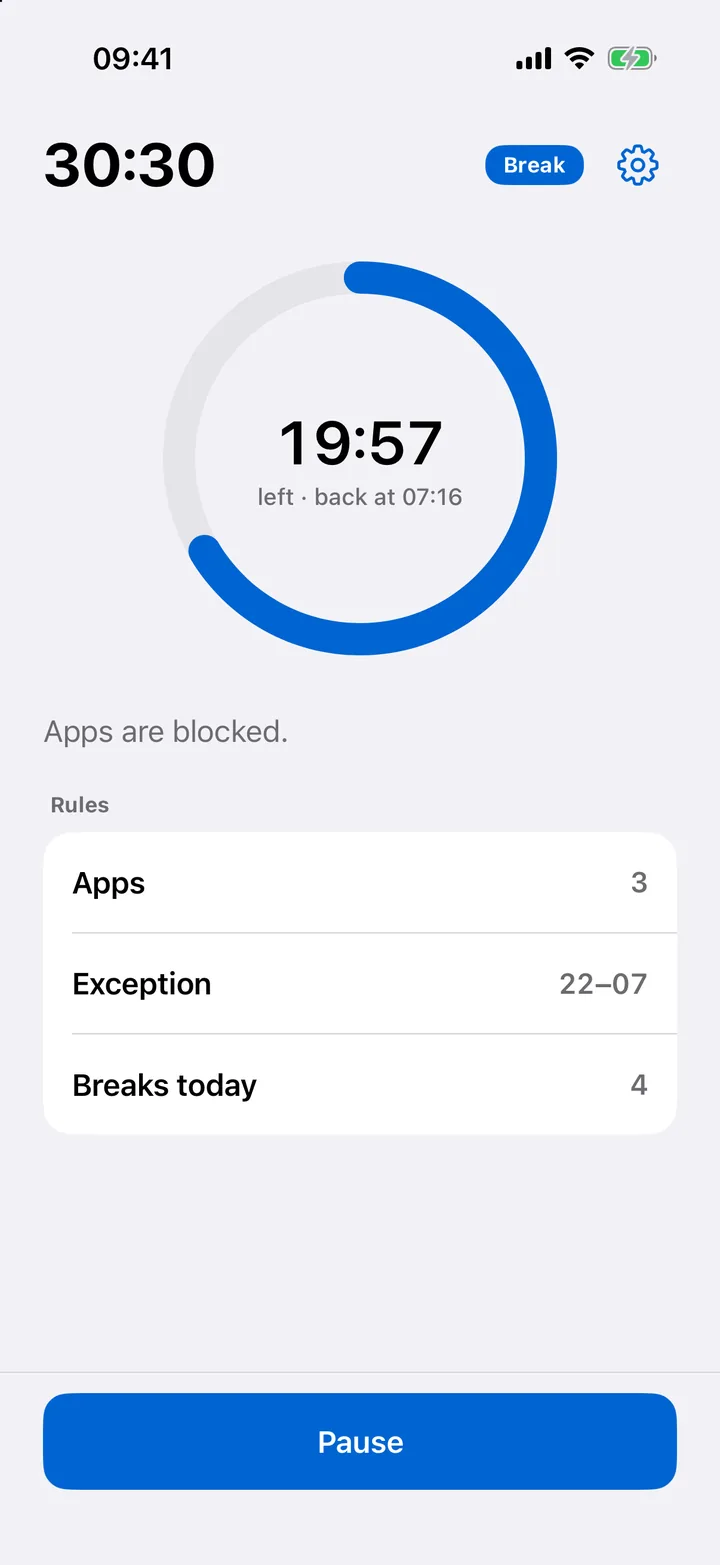
Normal
Plain iOS. Nothing extra.
Loaf
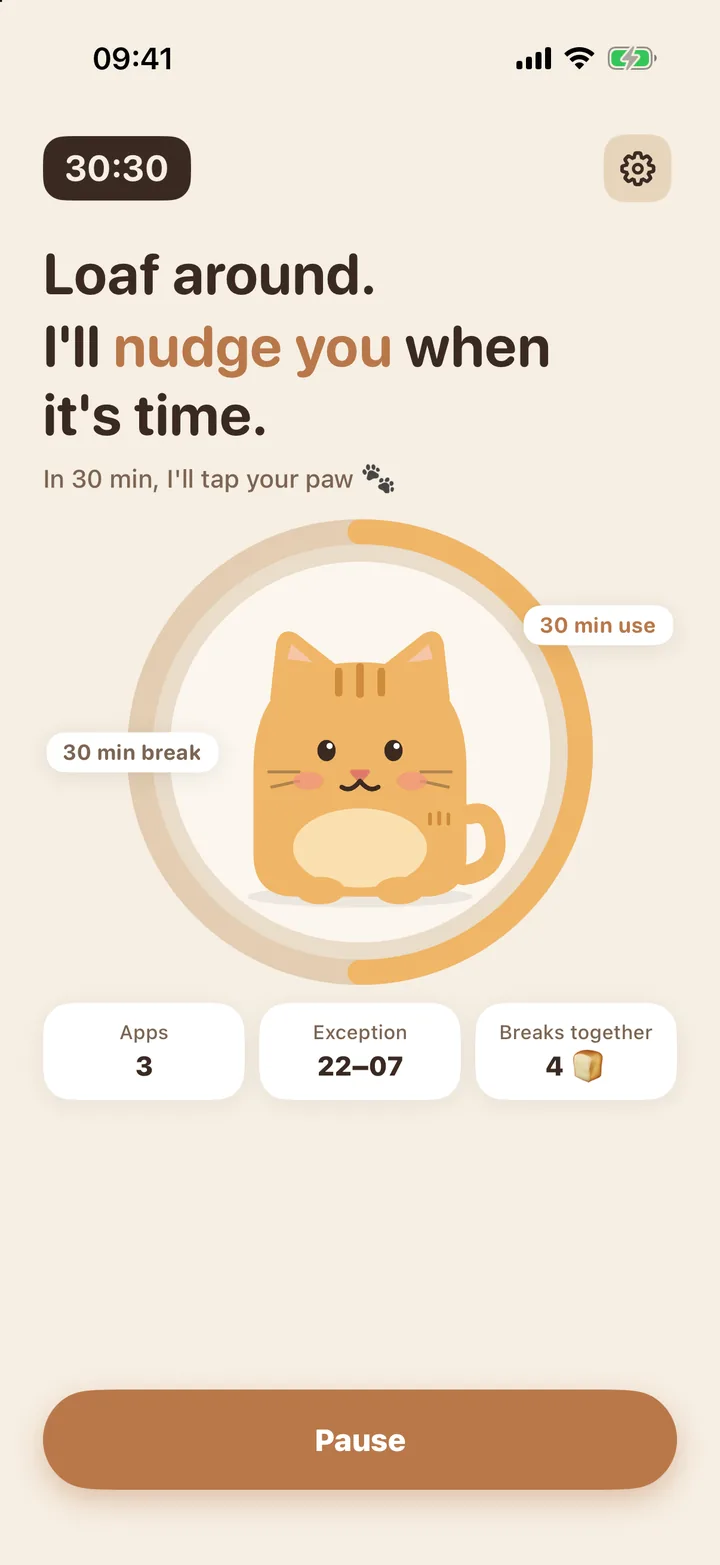
A shokupan cat that naps with you.
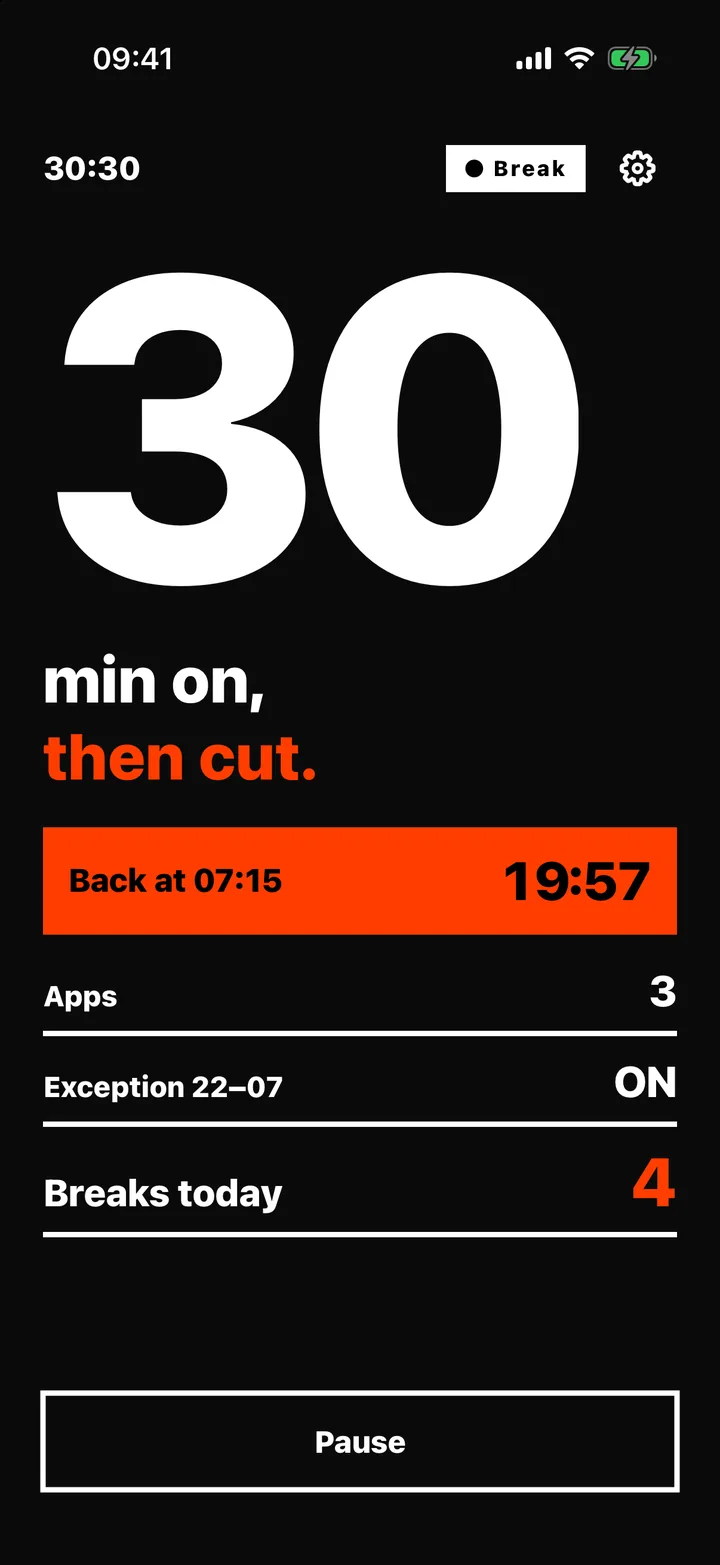
Bold
Black, orange, no excuses.
- Pick your appsTheir minutes add up to one budget.
- Use them for 30Screen Time counts real use, not time on the clock.
- Then rest for 30They unlock on their own when the break ends.
Stays on your iPhone
No account, no server, no tracking. Apple's Screen Time does the counting on your device.
Read the privacy policy